
' href='data:image/webp;base64,UklGRgQCAABXRUJQVlA4IPgBAABwCQCdASogACAAPp08l0mlo6IhN+gAsBOJbACdOUDZESlQkdsBuAN433lmfBMgfI6AEqB7e/HqUSf/foIZP6yUQMQgmemWPLc9kZ8z81kUDA0L+gAA/vWTHV6Memx4EnXJpeor4qYcp9mO8j5fHiKsL7yj4Iuu+dr7kvM/yaGqZt9HU+67Ex8GQmy9aqfdazb5uqrAI+ykoi0FWon2R6Ui5sgQ07y3NqpUDkRtXSN+HlTVbdHGT/2QSUfJghOkFlc/zRHDwQhBf/d6vY+E86hP91J1ku2xri7zety9UmNKYKDiTabqRSJ30kD3RTbBd36466cB0arIBlHwZTL48qj0Kn86oTafN9iegGaxSZgUDpKJRvsbdWBC5ZuINbNFYucZ0bt+wRfkY+Xkvptusa37JhKq+kXH6VRjKj847QmS4vShfXiibzReMtmVJWSGQN9z+N74u3hh9bfJgUFg0c133Y+nBqKUiUzl15LtAHnpoA4DeGJurudbsUWBAEbY1iiXcEpVhYQRnEzf8WdEvaMfYggLX3X2Y6K8su2mTZsoEEWGdXBdG70HqI+91WH80+Uhj6dxA2wEN5AcnajPUdPBVdY8T7XU3EOfjlxGSNB8kZpdT7mcvKKOW2eKzbJjxNFnUPILjKIlTdWs1G08seH8/bj7/jwAAAA='/%3E%3C/svg%3E)

FaceApp Fun Filters: Make Your Photos More Playful
Add more fun to your photos with the new FaceApp Fun filters.
Table of Contents
- What are Fun filters?
- What is the idea behind the Fun folder?
- How do you use Fun filters?
- How can you suggest your own filter?
- FAQs
FaceApp is often used for natural and polished photo editing. But sometimes a photo does not need to be serious. The new Fun folder brings playful effects together in one place, helping you turn an everyday portrait into something unexpected and amusing.
All Fun filters are available for free to every FaceApp user.
What Fun filters are
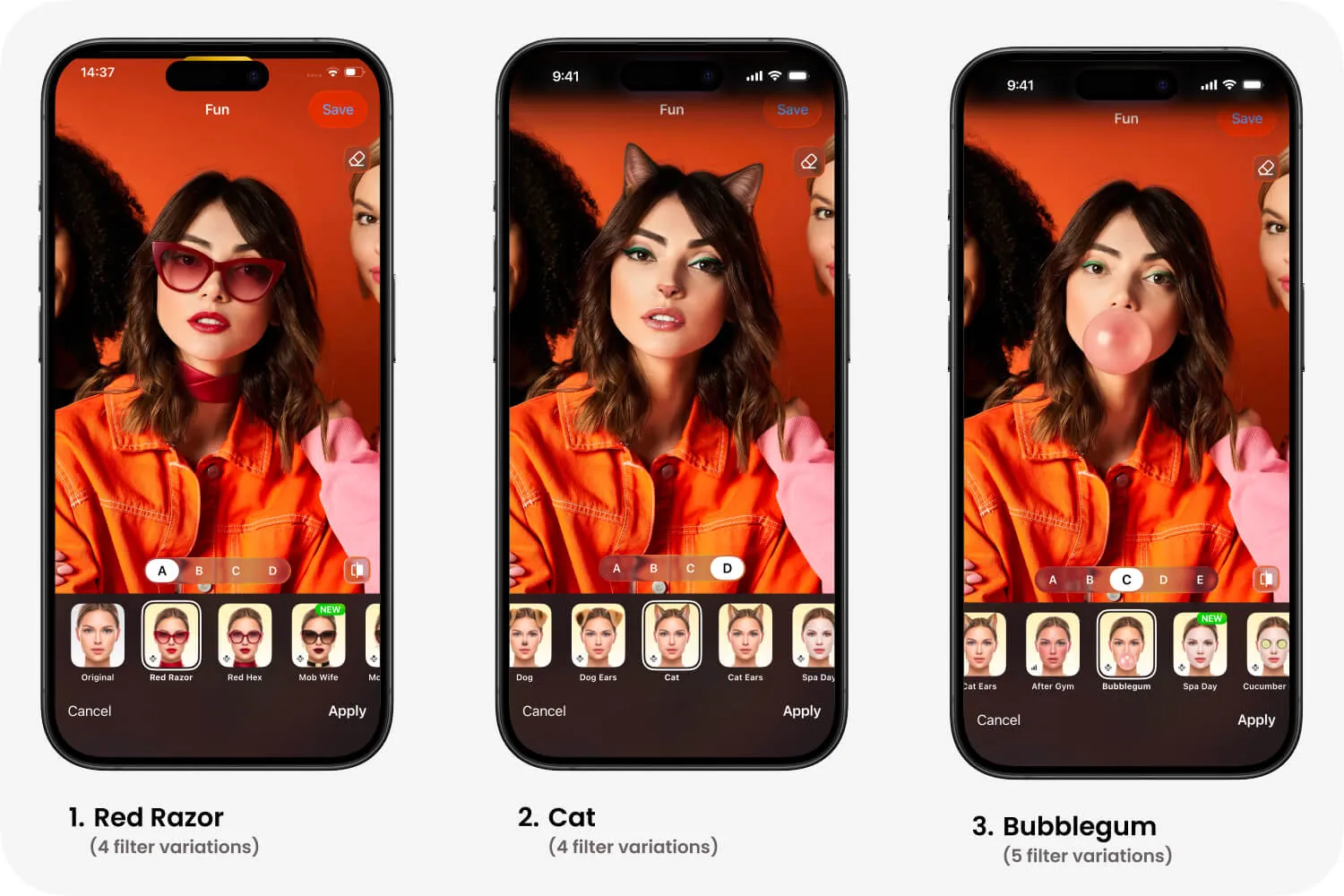
Fun filters are created for entertainment rather than realistic beauty editing. You can see yourself as a cat or a dog, try a face mask as if you were enjoying a spa day, or even add cucumber slices over your eyes.
The idea behind the Fun folder
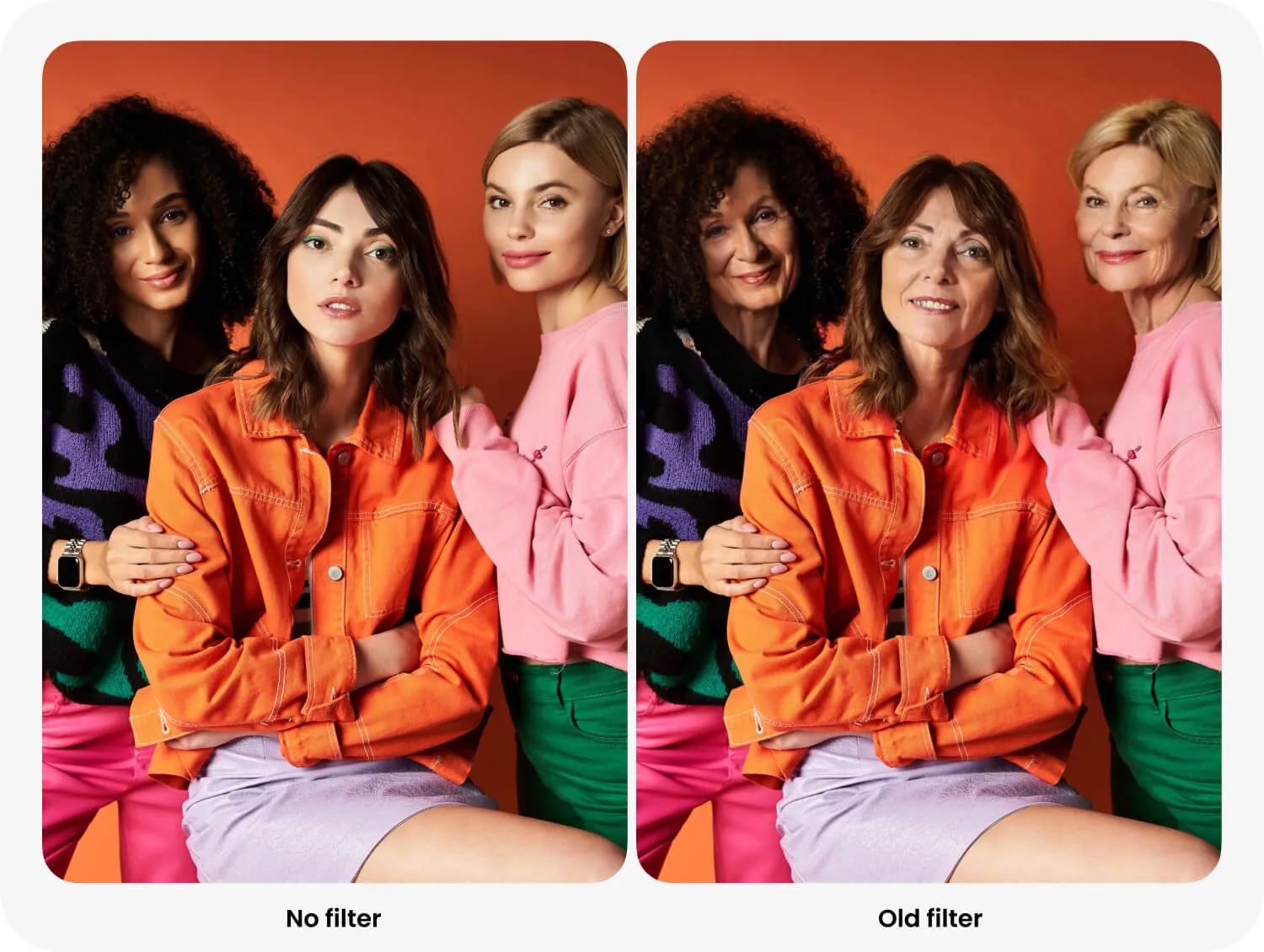
Playful transformations have always been an important part of FaceApp. The famous Old filter, now located in the Age folder, became one of the app’s most recognizable effects. Another viral example is Gender Swap, which is available in the Gender folder.
Together with Young and other classic transformations, these filters inspired us to create a dedicated place for playful experiments.
How to use Fun filters
- Open a portrait in FaceApp.
- Go to Filters.
- Select the Fun folder.
- Choose a filter and preview the result.
- Try it on your photo.
Fun filters are not about creating the perfect profile picture. They are about adding more personality, surprise, and entertainment to ordinary photos.
Suggest your own filter
The FaceApp team is actively working on new Fun filters. More characters, accessories, and playful transformations will appear in future updates.
You can also suggest your own idea. Open Settings → Support → Suggestion and tell us which Fun filter you would like to see next.
Keep an eye on app updates and visit the Fun folder regularly. We hope it gives you more reasons to laugh, experiment, and share photos with friends.