' href='data:image/webp;base64,UklGRngBAABXRUJQVlA4IGwBAACwBwCdASogACAAPrVInUmnJCKhMAgA4BaJYgCdIMlCARgHSCfBHPjimJg8GfD44DbSbJNnQEr2pctDcltGksCTAA/KA2AAAP7tgHwOhAjCyWfKNy5GKVllTiBPoS0eC6P0VIuC20625EeejkHnaQV0NLHVM8pBdggFLdRJS13i2v2Yh47KiaV9C1M9kedcx8OsptKE/I29+uENOutaeMZuJtT8y/q38dkS5f7g9WridF7YMuDFFLyxu3CSSmJhiH1RyK7z947f1t74Ud/Zcbgq2LcBBknA1m+oMoA80im89DfatuTwASvFRaUmQTHlvDV4Giv2dggXrjFDcOM2MF40bWpUCu3/tuBEzUllmnJ6BjE9nNu9Vj095mqG6AeRMwNi41EcRFocwvLjr8cm1mfY2ptoO3SNnTy3eacoNLVbImfgnL2thsj3lYVBuzGFd0n9yt5u2XSwGEa/gxbp9VkP81+EgVwDJJtZYAAA'/%3E%3C/svg%3E)
FaceApp Filters: Hairstyles
Table of Contents
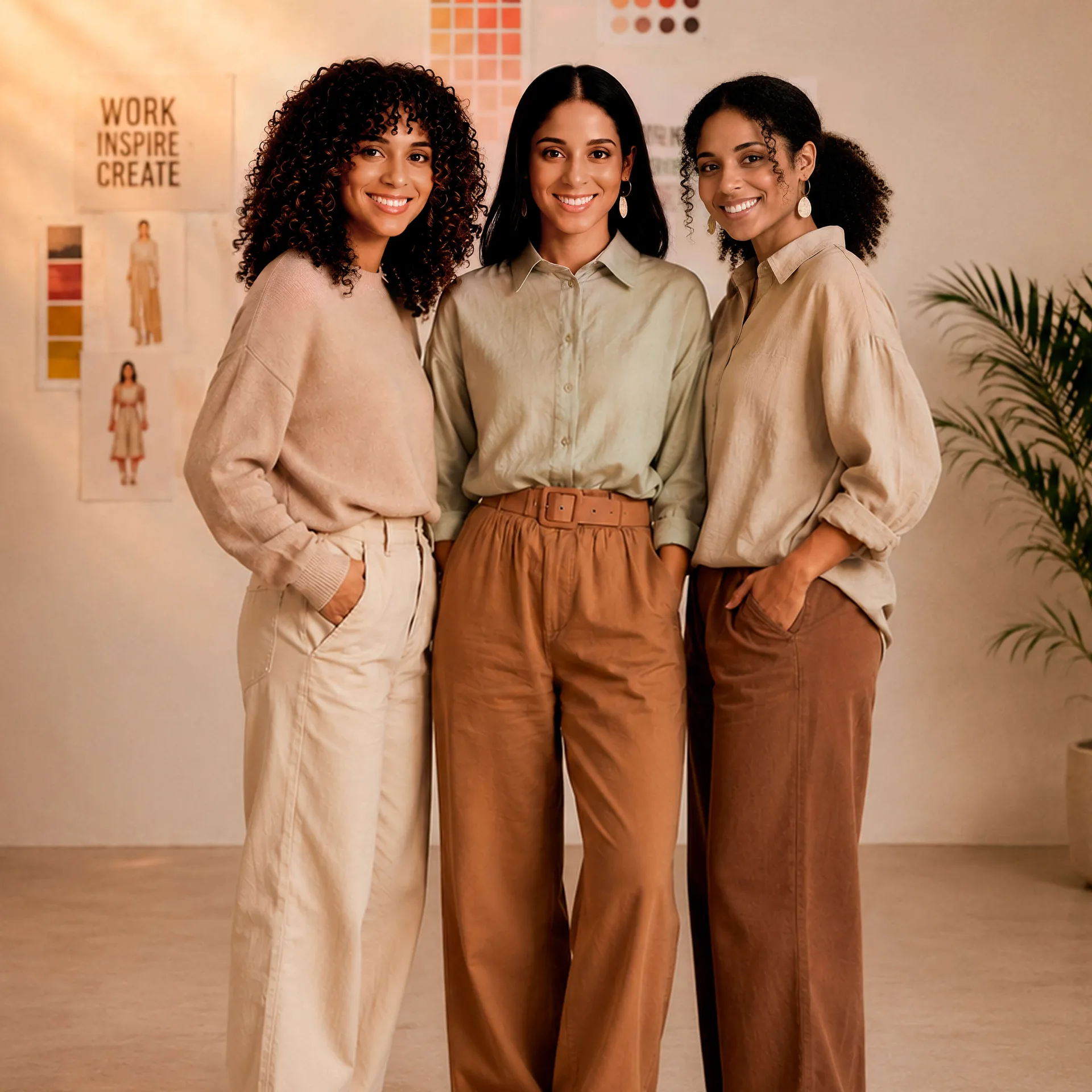
FaceApp hairstyle filters help refine the hair already captured in your photo. You can add volume, smooth the overall shape, make loose strands look neater, or create softer waves without changing the character of the original hairstyle. The same tools can also help you preview a new cut before visiting the salon.
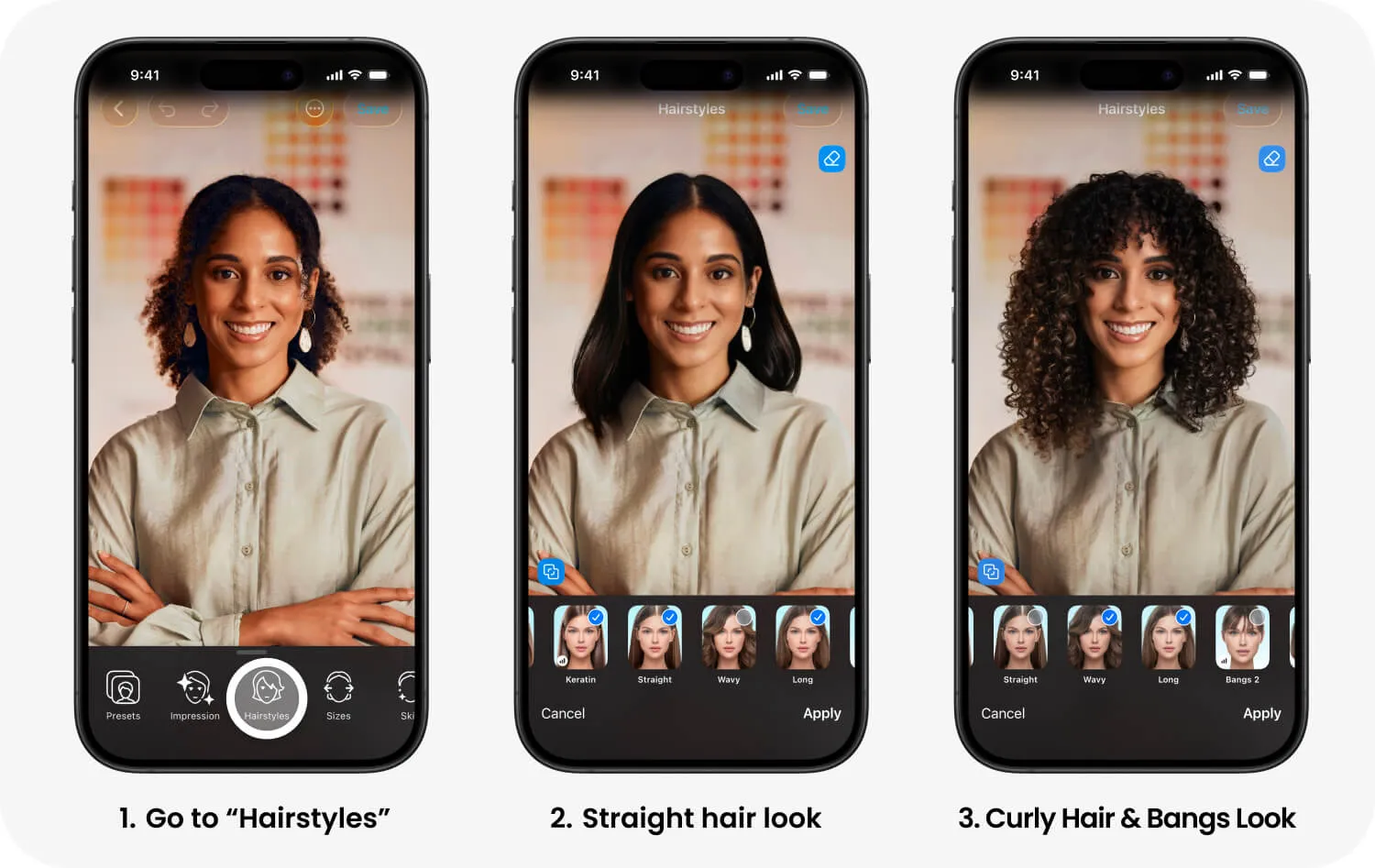
Hairstyles for women
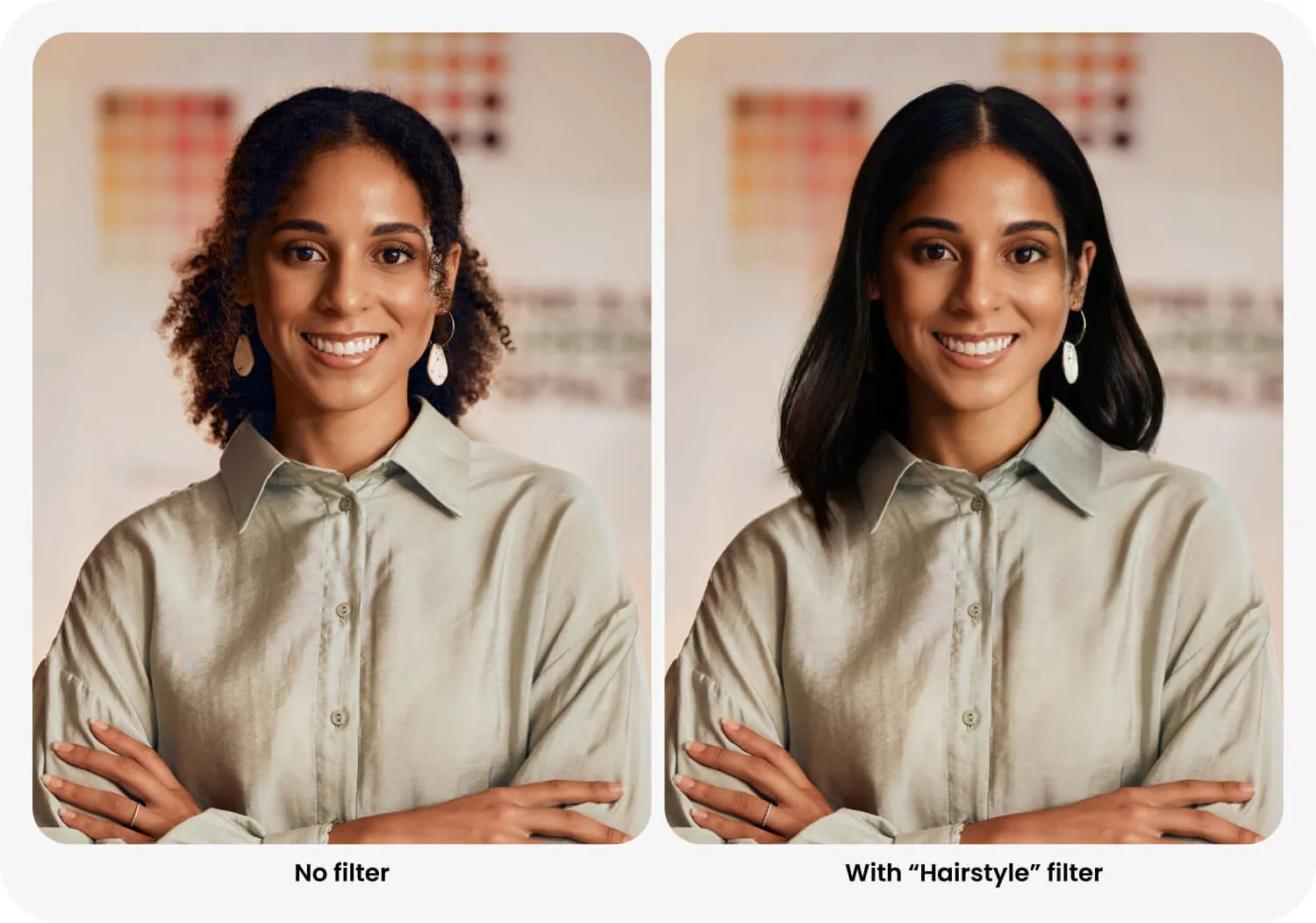
The women’s interface includes filters for correcting volume, texture, smoothness, length, and styling.
Volume adds fullness when the hair looks flat in a photo. Straight and Straight 2 create a smoother, more even shape. Wavy and Wavy 2 add controlled movement and help curls look more defined. Lush makes the hairstyle appear fuller, while Blowout creates a neat styled finish. Keratin smooths the hair and makes its outline look more polished.
Dye is a recent addition that creates the effect of freshly colored hair. It can help refresh dull color and make the hairstyle look more complete.
For a larger change, Long, Bob Cut, Haircut, and the different Bangs options let you preview another length or shape before going to the salon.
The women’s interface also includes Transfer. Select any reference image from your gallery, including a photo saved from the internet, and FaceApp will adapt a similar hairstyle to your portrait. It can be used to find a suitable styling direction or test a specific haircut.
Hairstyles for men
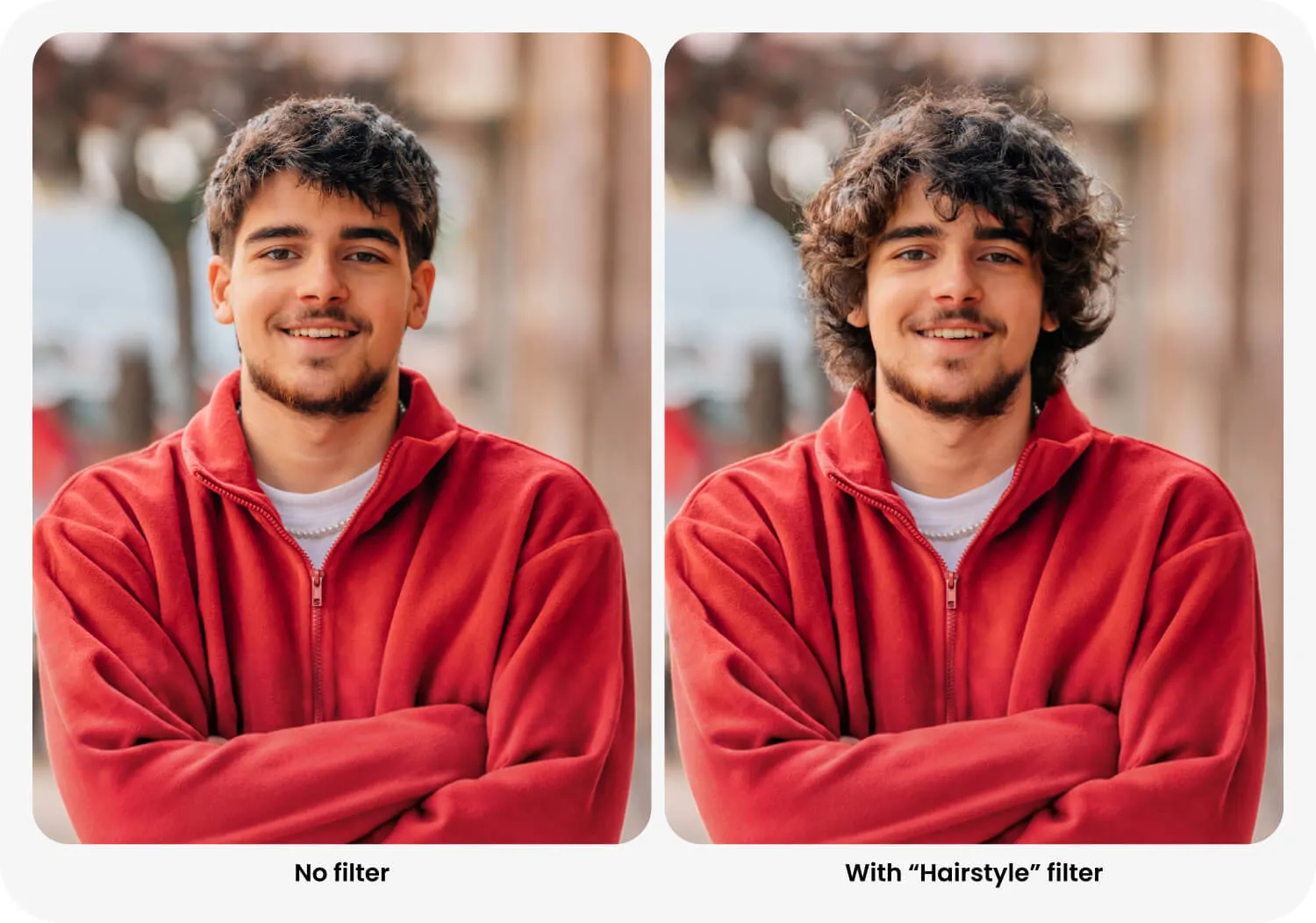
The men’s interface also includes filters for making the current hairstyle look neater and more balanced.
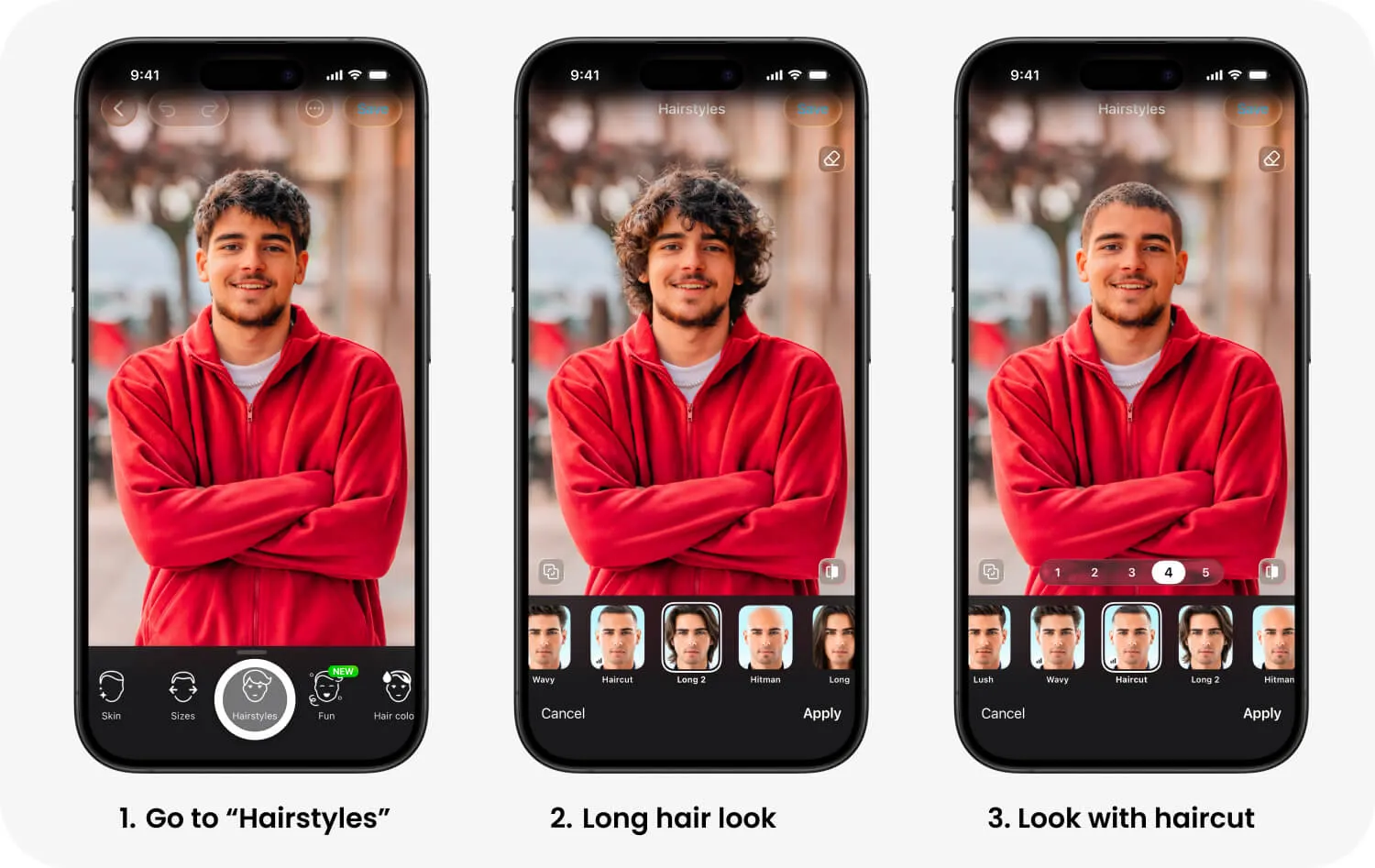
Volume adds lift to flat hair. Lush creates a fuller shape, while Wavy adds texture and movement. Haircut can make the hairstyle appear shorter and tidier. Hitman offers a very short alternative.
Long, Long 2, and the different fringe filters are more suitable for previewing a noticeable change before a haircut.
How to combine filters
Enable Multiselect using the button above the filter previews. This mode lets you apply several filters from the Hairstyles group at once.
Use low strengths when refining an existing hairstyle. Volume with Strands adds fullness while preserving individual hair detail. Strands with Wavy creates more defined, neat curls. Straight with a small amount of Volume smooths the shape without making the hairstyle look flat.
The best result should still look like your original hair, only cleaner, more balanced, and better styled.
More hairstyle filters are planned for future updates. Check the app regularly for new correction and styling options.