' href='data:image/webp;base64,UklGRmIBAABXRUJQVlA4IFYBAACQCACdASogACAAPqk+m0mmIyKhN/qoAMAVCUATpmHJES4H1F3m1ZbQK4GWBpd2Xz3l/nBO8I6p48TERYJi3SztyFhWdi8HHQ8GeqavwAD++J55WaCGOYrqtJ2zOiYpj7rQEgEKiI/QZAkc+CJFcUIqe4dAN9xFFUeAmS8Ke/uPSJ4R/y6nHl79F51aTYrJdZwDXqlWC/4XGYaW5qfqPUkn8RWXIhZ8NruN1y4Uv2cEXAgLnRsZXDigUgPn2rl3LpS8c052+EAUeMxcVur5Pe5ZxPOSmSOP02d4V785NLUXCFRFJP5TsbklxvHMe+A7HtfpFBJ+2oOPxrUaLcU6PUJNp2ACErTYlYgp7I0qLD9vz8hqvlj3+NqalykcO/pHPuWDNIftpfYQhJVn9SCxiY0wyftZtp1COWhMn4TaeZjBO0pya7EG2FtgyfuTKKSgCDq9NDaAAAA='/%3E%3C/svg%3E)
Face App Filters Welcome Guide
Table of Contents
- Meet Your Face Filters
- Inside the Folders: A Guide to Every Category
- More Than a Filter: A Space to Experiment
- FAQ
Let’s make more sense of scrolling filters in the app. Better to understand the logic — how they are grouped, and what kind of visual problem each group is designed to solve.
Before diving in, a few things worth knowing. You can pull out the tool curtain at any time for quick folder selection — no need to scroll through everything to find what you need. Found a filter you love? Add it to favorites and access it instantly next time. Use multiselect to layer several filters onto the same photo for a more complete look. And once you’ve found a combination that works, save it as a preset — your own personal starting point for future edits.
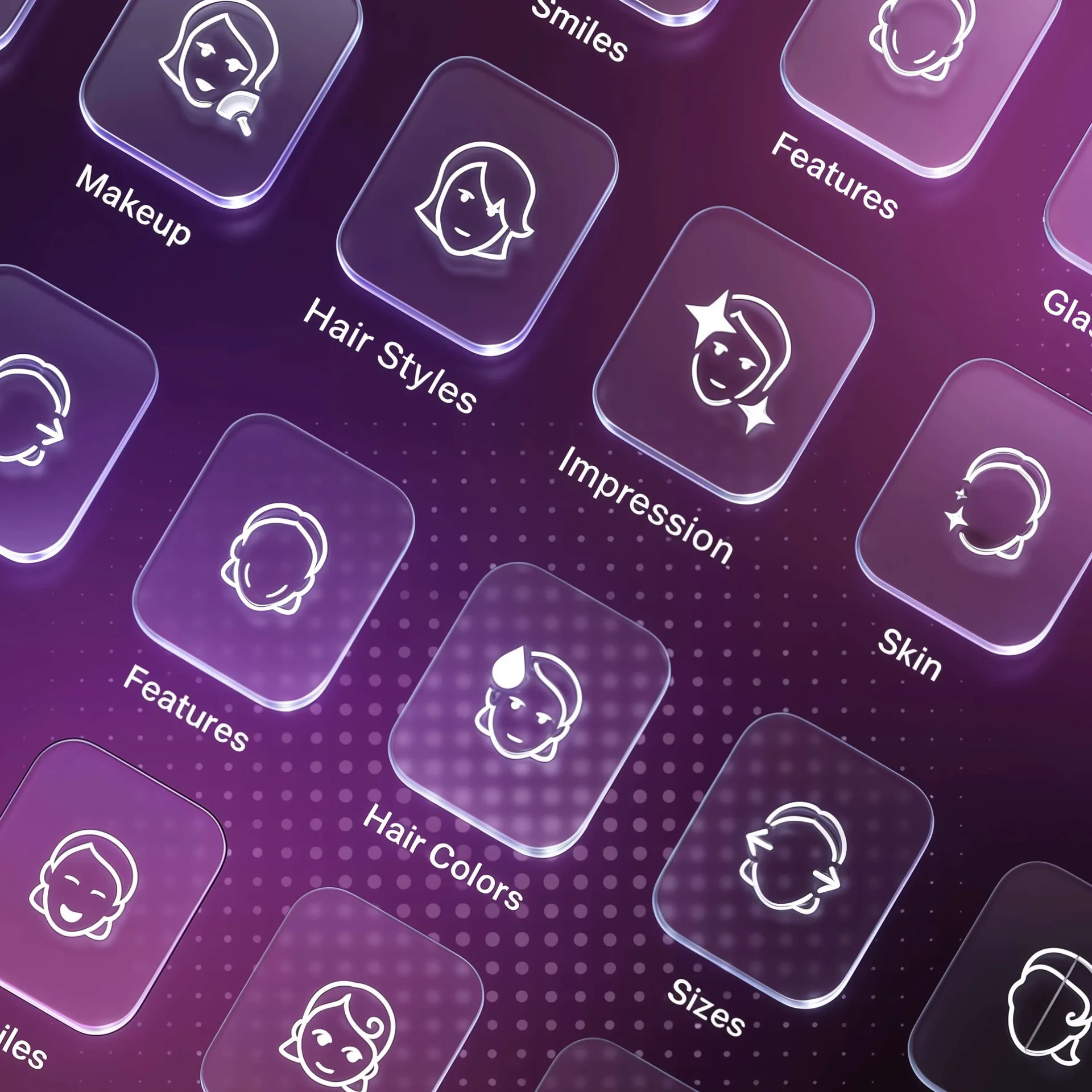
Face Filters are applied to photos with a recognised face, organised into folders: Impression, Skin, Sizes, Hairstyles, Hair Colors, Smiles, Features, Beards, Makeup, Age, Gender, Glasses. Let’s go through them to figure it out.
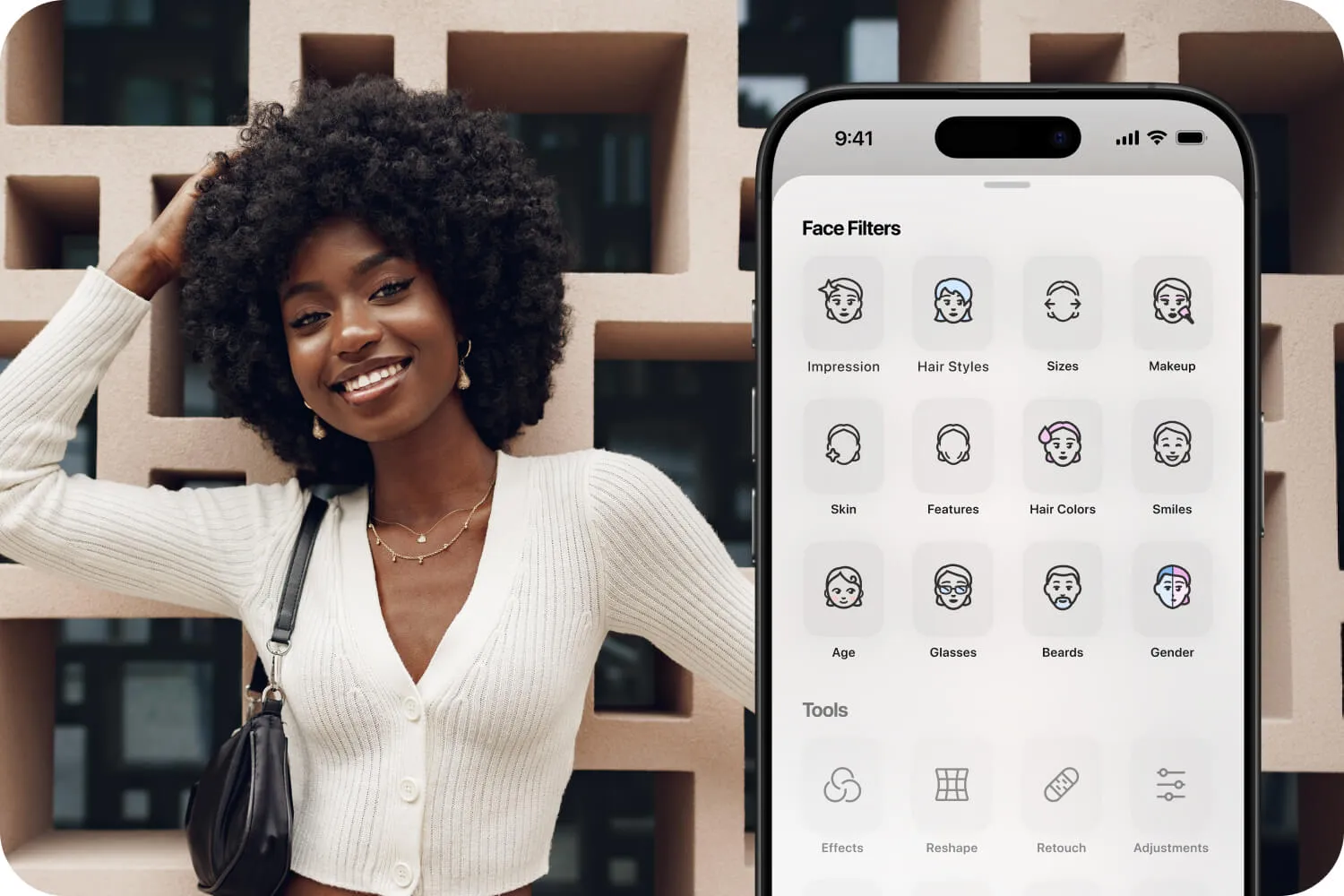
Meet Your Face Filters
Most people open FaceApp, try one filter, save the photo, and leave. But the Face Filters section is much deeper than it first looks — almost like a full wardrobe of different moods, styles, and versions of yourself.
And once you start exploring it properly, you realize each folder does something completely different.
If you’ve only used basic edits before, here’s a quick introduction to what’s actually inside one of the most popular face filters app experiences today.
Inside the Folders: A Guide to Every Category
Impression
Think of this as the overall mood section. These filters subtly change how your face feels in a photo — softer, fresher, sharper, more polished, more awake. It’s less about editing details and more about changing the atmosphere of the portrait.
A good place to start if you want your photos to look refined without looking heavily edited.
Skin
This is where problems quietly disappear. Skin filters help smooth uneven texture, soften shadows, reduce shine, and clean up harsh camera lighting without making the face look artificial. Used lightly, the result still feels natural — just more rested and balanced.
This is usually where people begin to understand why FaceApp became known as the best face filter app instead of just another editing tool.
Sizes
A surprisingly subtle category. These filters adjust facial proportions and structure — things like jawline definition, facial width, or overall balance. Small changes here can completely affect how a portrait feels.
The secret is moderation. The best edits are usually the ones nobody notices immediately.
Hairstyles
One of the most fun folders in the app. Trying different hairstyles changes more than hair — it changes personality, energy, and even perceived confidence inside a photo. Long hair, short hair, softer styling, sharper cuts — every option creates a different version of the same person.
It’s part editing tool, part identity experiment.
Hair Colors
Blonde, black, copper, silver, darker tones, lighter tones — Hair Colors lets you test dramatic changes without commitment. And because the filters react to lighting and texture inside the image, the results often feel surprisingly believable.
Smiles
Tiny expression changes can completely transform a portrait. Smile filters subtly adjust facial expression and warmth, helping photos feel more open, relaxed, or alive. Perfect for pictures that looked slightly too serious or tired straight out of the camera.
Features
Features filters work on smaller facial details — symmetry, balance, structure, and definition. Used carefully, they don’t change identity. They simply remove distractions.
This is the category most people use quietly without talking about it.
Beards
The Beard filters range from subtle texture to full transformations, and they dramatically affect how age, confidence, and style are perceived in a portrait. And you can try the beard before really trying it in real life.
Makeup
This is the digital makeover section.
Some filters feel minimal and clean. Others lean more editorial or dramatic. But the interesting part is how quickly makeup changes the tone of a portrait. Try a new image online before an offline commitment.
Age
These filters imagine the same face across different stages of life — younger, older, or somewhere in between. Sometimes funny, sometimes strange, sometimes unexpectedly emotional. It’s less about realism and more about curiosity and experiments.
Gender
This category lets users experiment with different masculine and feminine looks using subtle adjustments to facial structure, hairstyle, and overall presentation.
It’s less about changing identity and more about seeing how small visual shifts can completely alter the style and mood of a portrait.
Glasses
A smaller category, but one that changes more than people expect.
Different frames instantly shift personality and mood — sharper, softer, more intellectual, more playful. Sometimes adding glasses completely finishes the portrait.
More Than a Filter: A Space to Experiment
The appeal of photo filters for faces is not really about becoming someone else.
It’s about freedom of experimentation and self-expression.
Face filters let people test different versions of themselves instantly, privately, and without permanence. Some changes are practical. Some are aesthetic. Some are just curiosity.
And that’s what makes FaceApp different from traditional editing software.
Used carefully, the best filters don’t make someone look unrecognizable.
They make the photo feel slightly closer to how the person imagined themselves in that moment.