The Power of Presets
FaceApp Presets for Consistent Photos
FaceApp photo editing presets help you create a cohesive look across multiple photos—fast, consistent, and mobile-friendly.
Table of Contents
- How photo editing presets transform the workflow
- Create a consistent photo style in one tap
- FAQs
Edit a Whole Camera Roll in Minutes
Social media has shifted toward photo chains — posts that include up to ten images shared together in one sequence. This format allows creators to show a story, a mood, or a moment from different angles, rather than relying on a single standout frame. As this trend grows, so does the need for photos to look cohesive when viewed side by side. Editing one photo is simple. Editing a full photoshoot is not.
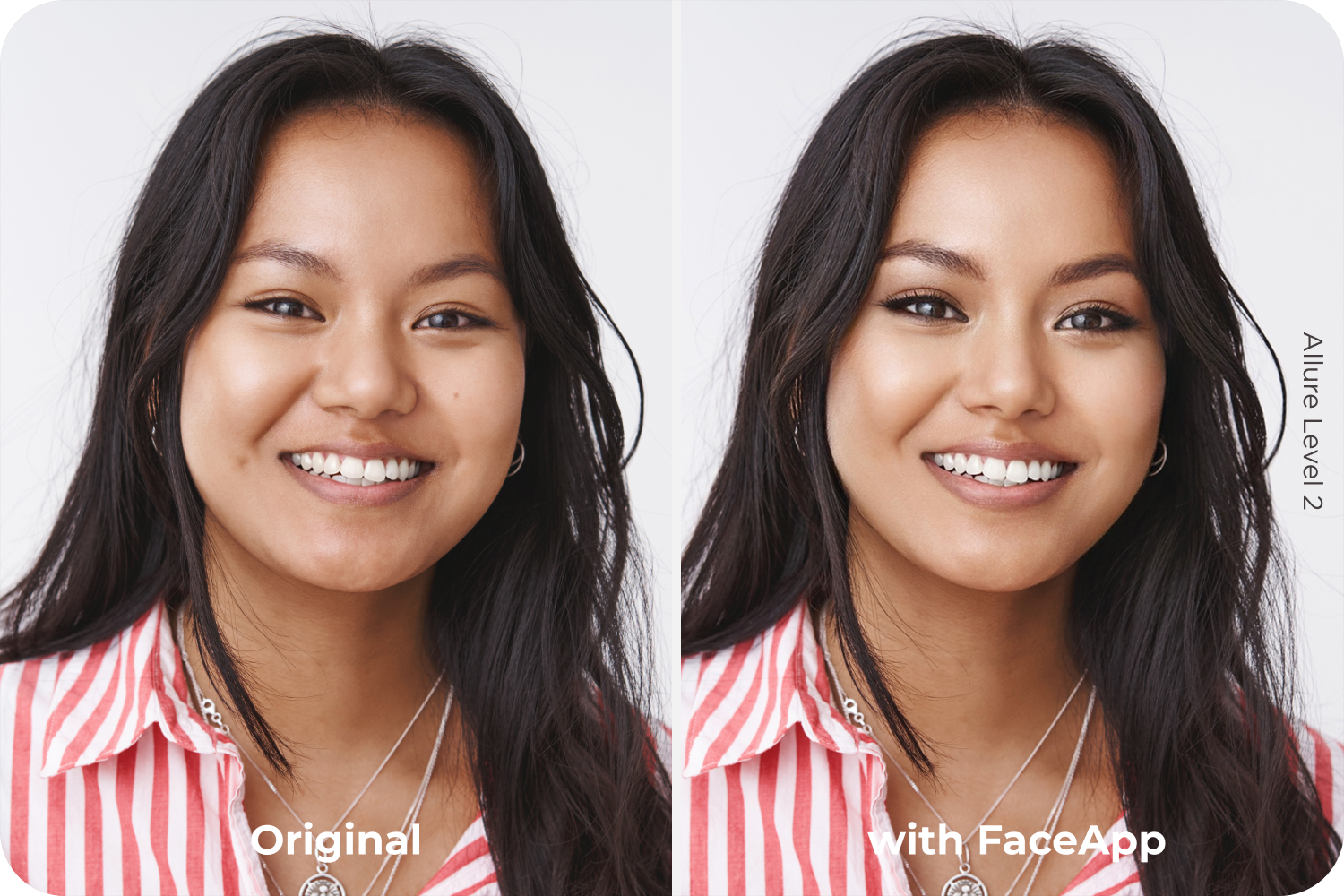
When creators adjust images one by one, they often repeat the same steps: correcting light, matching colors, refining skin tones. Over time, small inconsistencies appear. The process becomes slow, tiring, and creatively draining, especially when the goal is a unified look across multiple photos. Manual batch photo editing makes it harder to stay consistent and easier to lose momentum.
This is where photo editing presets change the workflow.
Presets allow users to apply a unified style across multiple photos instantly. Instead of editing each image separately, a preset sets a balanced combination of color, lighting, and skin adjustments in one tap. The entire photoshoot immediately shares the same visual foundation, helping creators edit photos faster while maintaining quality and intention.
Create a Consistent Photo Style in One Tap
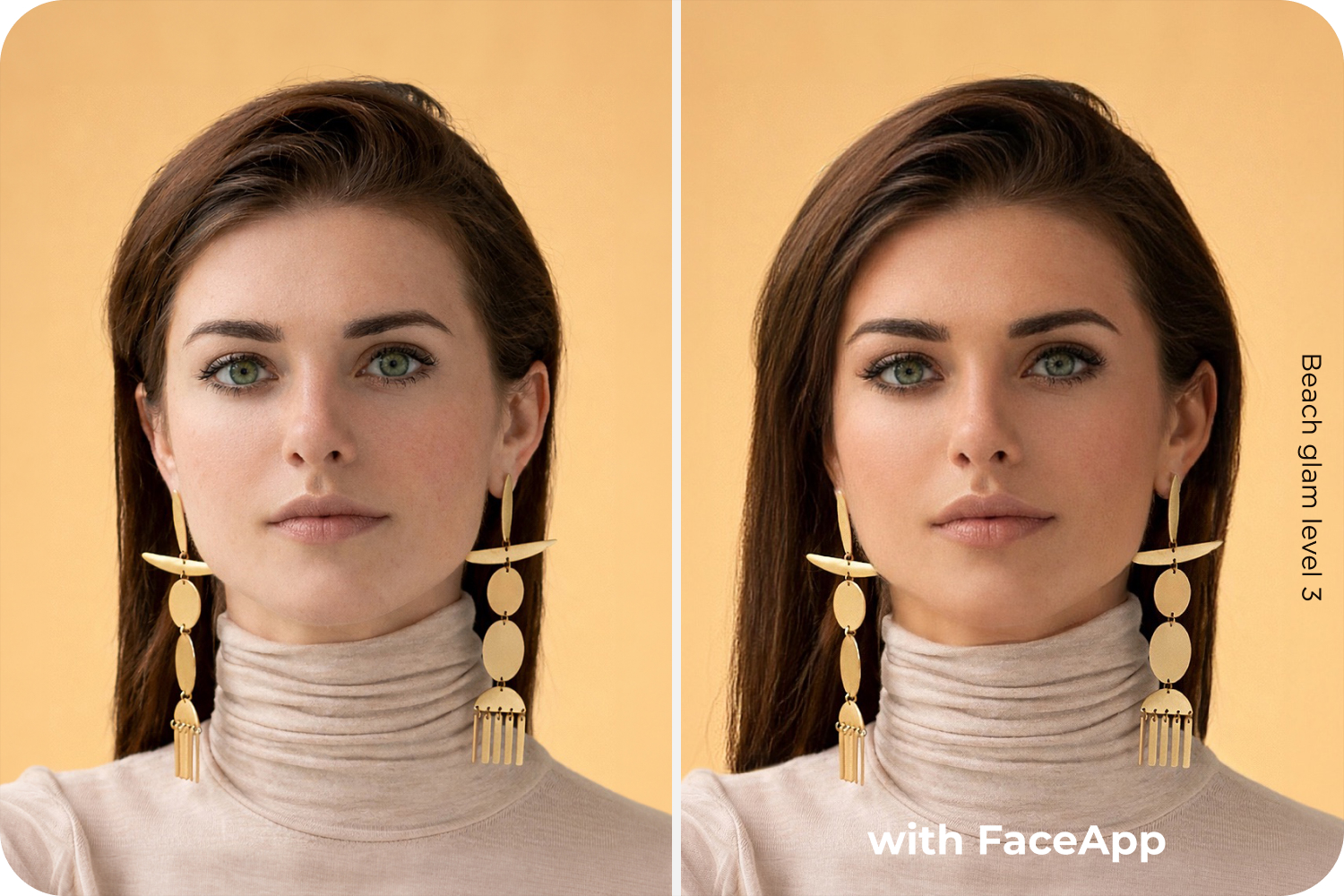
With FaceApp presets, consistency doesn’t come at the cost of flexibility. Presets establish a reliable base look, while still allowing easy fine-tuning when needed. A single image can be adjusted slightly without affecting the overall aesthetic. Face-aware technology helps maintain natural skin tones and facial consistency across different lighting conditions, so photos taken minutes apart still feel visually connected. The result is a consistent photo style that looks polished without appearing overedited.
FaceApp presets allow users to save their favorite combinations of face filters for quick access and a consistent editing style.
- Simply choose your preferred set of face filters
- Open the Presets folder
- Press “+” to save your custom preset
This is where photo editing presets transform the workflow.
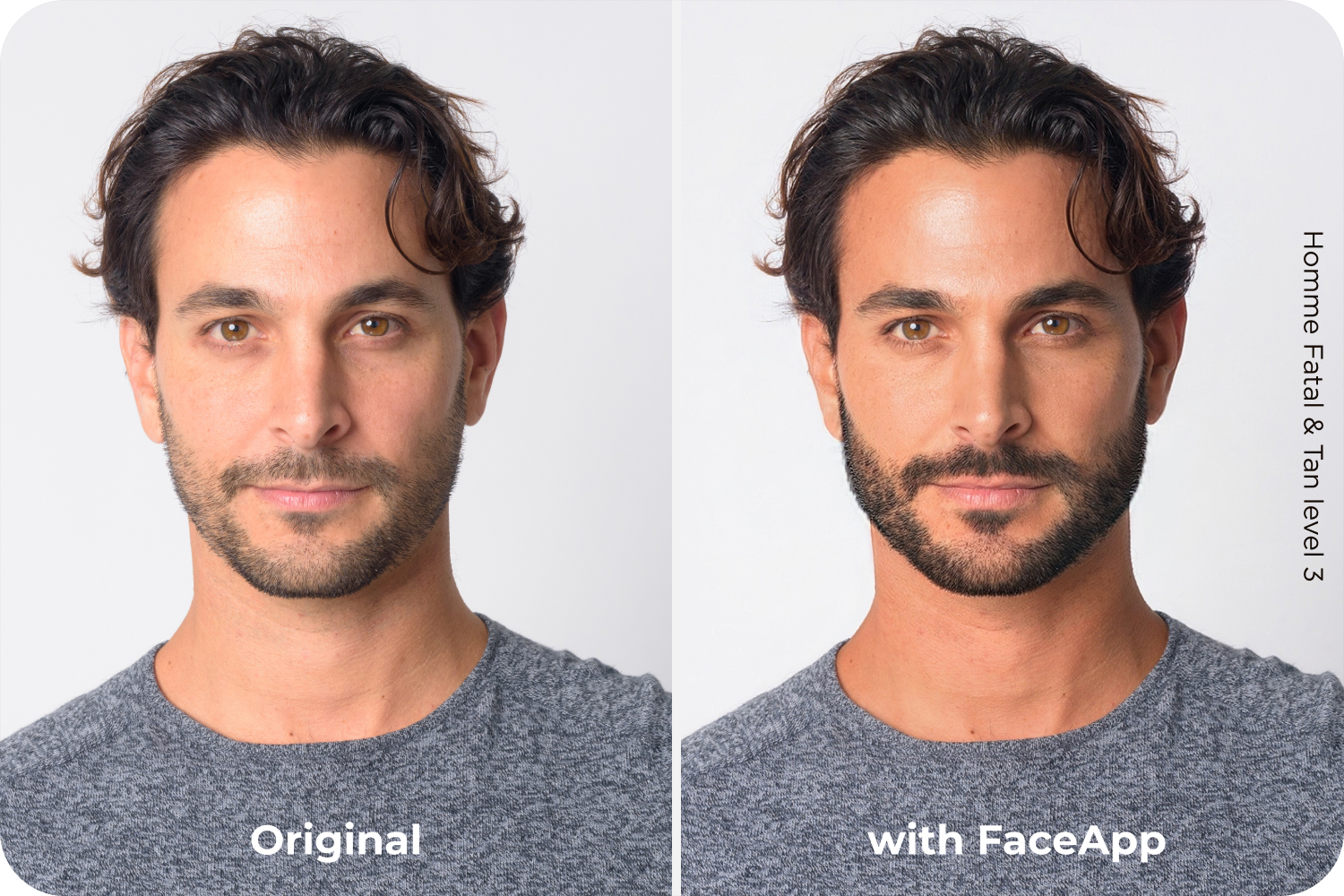
This approach saves time and reduces creative fatigue. There’s no need for complex desktop workflows or advanced technical knowledge. Fast photoshoot editing becomes intuitive, predictable, and mobile-friendly, allowing creators to focus on selecting moments and shaping stories instead of repeating technical adjustments.
In feeds built around sequences, cohesion signals professionalism. When photos look like they belong together, the story feels stronger and more intentional. Presets make that possible in minutes — turning what used to be hours of editing into a quick, controlled, and creative process.
FAQs
Q: What are photo editing presets in FaceApp?
A: Presets are saved combinations of filters that let you apply a consistent style to multiple photos in one tap.
Q: Can I edit an entire photoshoot at once?
A: Yes. FaceApp presets allow you to apply the same base look across your camera roll, ensuring cohesion and saving time.
Q: Will presets make all my photos look identical?
A: No. Presets create a unified foundation, but each image can still be fine-tuned individually for flexibility.
Q: How do I create a custom preset in FaceApp?
A: Edit a photo by choosing filters you would like to save. Then open the Presets folder, tap “+”, and save your custom combination for future use.