Ten Photo Editing Mistakes
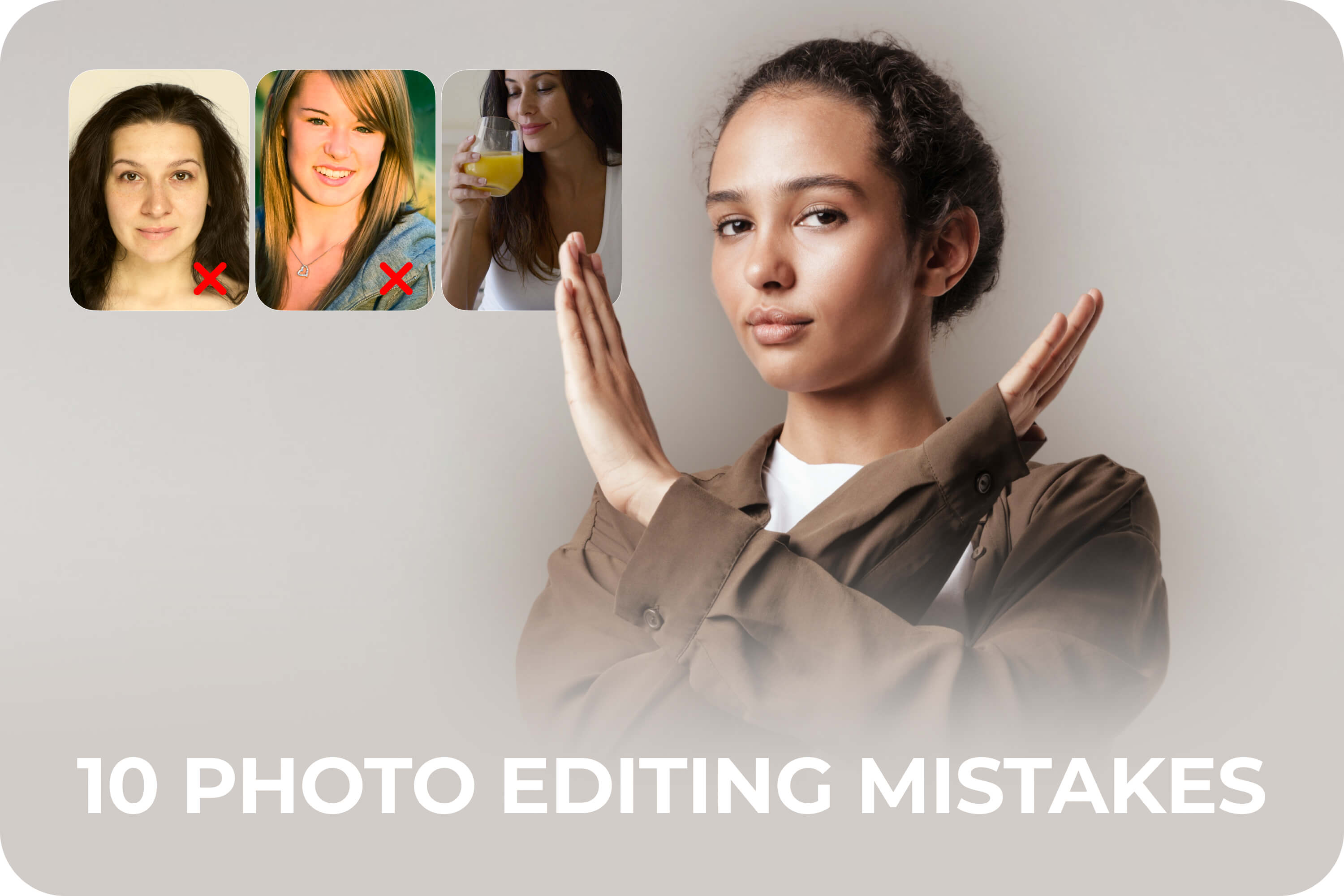
Beginner Photo Editing Tips: Avoid These 10 Classic Mistakes
Discover 10 classic photo editing mistakes beginners make—and simple ways to fix them for more natural, polished results.
Table of Contents
Photo editing should enhance your images, not overwhelm them. Yet beginners often repeat the same patterns that make photos look unnatural or outdated. Understanding the most common photo editing mistakes helps improve results faster — without advanced skills or complex tools.
10 Common Photo Editing Mistakes
Here are ten common photo editing errors and simple ways to avoid them.
1. Over-smoothing skin.
Removing too much texture makes faces look plastic. Aim for subtle smoothing that keeps natural details.
Try FaceApp’s filters focused on smoothing the skin and adding a natural, healthy glow: Smooth (in Skin section) and Silk (in Impressions). Both filters support strength adjustment (using the filter strength slider).
2. Overusing filters.
Strong filters can overpower a photo. Reduce intensity or choose softer options for a balanced look.
3. Pushing brightness too far.
Over-brightening washes out details. Adjust gradually and check contrast at the same time.
4. Excessive contrast.
Too much contrast creates harsh shadows. Look for clarity, not drama.
5. Unnatural color tones.
Extreme warmth or coolness can make skin look unrealistic. Keep colors close to real life.
To avoid mistakes 3-5, check out FaceApp’s simplest and most useful set of tools for working with lighting - the Adjustments folder, where all tools are adjusted using simple intensity sliders.
6. Ignoring facial proportions.
Heavy reshaping changes identity. Face-aware tools help preserve natural structure.
For precise face shape correction, the Sizes group filters work best, as they’re specially adapted for portrait photography. If you need to adjust body sizes or any other objects in the photo, the Reshape tool is designed specifically for that.
7. Overdoing retouching details.
Sharpening or enhancing every feature adds noise. Focus on what truly matters.
8. Bad cropping choices.
Cutting off key elements or using awkward framing weakens composition. Reframe with intention.
FaceApp’s Crop tool offers a full set of cropping tools: a wide range of cropping templates for various social networks, printing, or other scenarios, compositional cropping according to the rule of thirds, the ability to adjust the horizon line, or mirror the photo.
9. Inconsistent edits across photos.
Different styles in one set feel messy. Consistency is key to polished results.
10. Editing without knowing when to stop.
Over-editing often happens at the last step. Sometimes the best fix is doing less.
These beginner photo editing tips all point toward the same goal: learning how to edit photos naturally. With FaceApp editing tips, users can rely on natural presets, face-aware adjustments, and intuitive tools that support natural photo retouching without overdoing it.
Because good editing shouldn’t change who you are — it should simply bring out your best.
FAQs
Q: What are the most common photo editing mistakes?
A: Over-smoothing skin, overusing filters, excessive brightness or contrast, unnatural color tones, and inconsistent edits across photos.
Q: How can I avoid overediting my photos?
A: Make gradual adjustments, focus on high-impact elements first, and stop once the image looks balanced and natural. Use FaceApp’s filter strength slider for natural results.
Q: Why does my edited photo look unnatural?
A: Strong filters, extreme color shifts, or heavy reshaping can distort realism. Subtle edits usually produce better results.
Q: Can beginners achieve natural results without advanced tools?
A: Yes. FaceApp’s face-aware presets and intuitive tools help beginners edit photos naturally without complex workflows.