Make Your Photos Feel Like Winter

Winter Photo Editing: How to Create Cozy Seasonal Vibes with FaceApp
Create winter vibes in your photos with FaceApp. Use seasonal filters, cool tones, and subtle edits for a cozy winter aesthetic.
Table of Contents
- Seasonal balance: cool tones and subtle contrast
- Create cozy winter vibes
- Capture winter mood with intention
- FAQs
Winter Vibes Content with FaceApp
Not every photo captures the quiet, cozy clarity we associate with winter. Lighting can feel too warm, colors too flat, the atmosphere too neutral. Even during the colder months, images don’t always reflect the season’s mood — the crisp air, soft snow, or calm winter glow.
Winter Photo Editing
Creating a winter mood doesn’t require a reshoot or complex software. With the right tools, a photo taken in ordinary conditions can be transformed to match the season’s aesthetic.
FaceApp makes this process simple and intuitive. Using FaceApp seasonal filters, users can adjust tone, color, and atmosphere to introduce a subtle winter feeling — without overwhelming the original image.
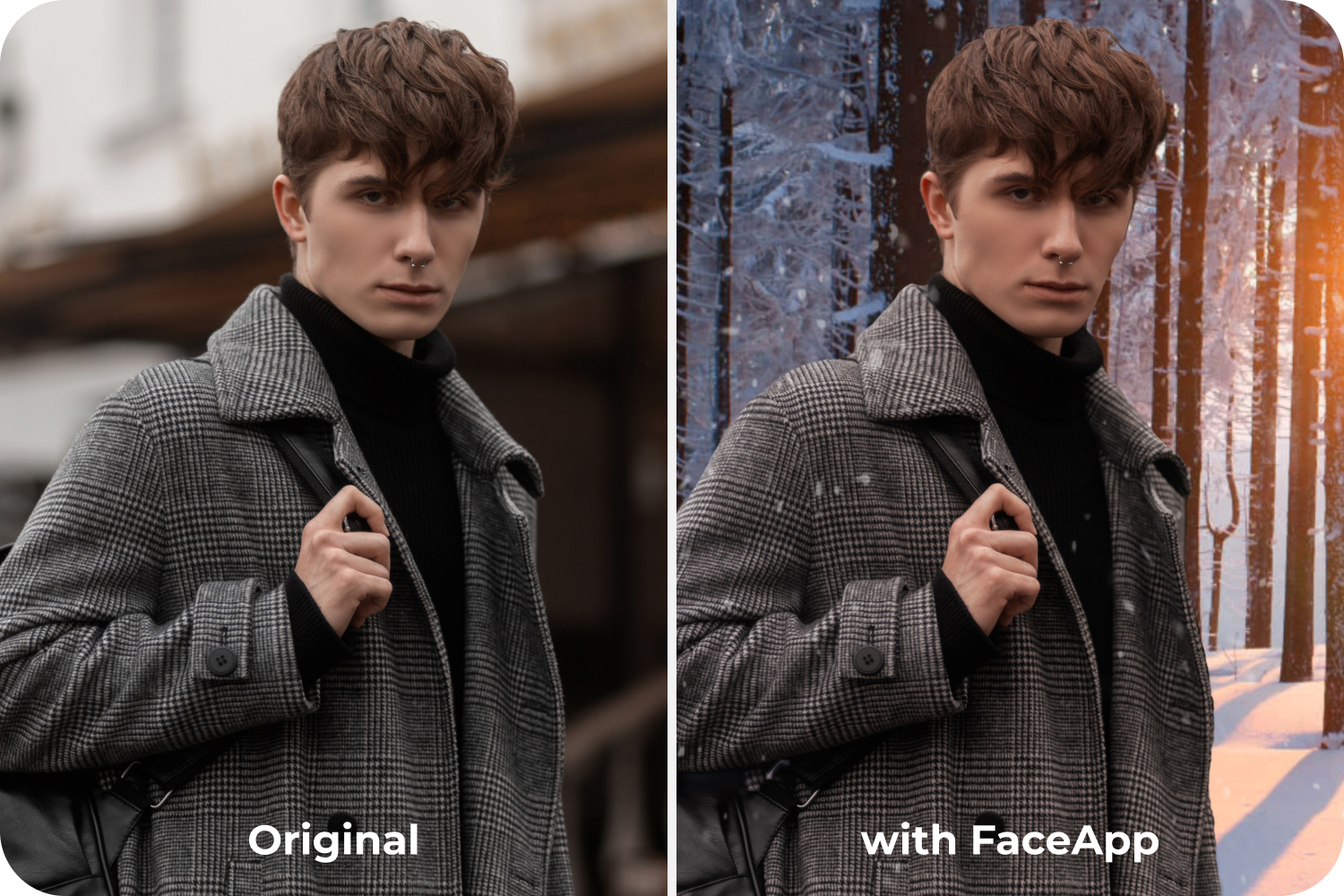
Seasonal Balance
Winter photos often rely on restraint. Slightly cooler tones, gentle contrast, and muted warmth help create a calm, seasonal look.
With FaceApp, users can:
- Add snowy or frosty environments using Background tools
- Apply color filters and overlays to create cool tone photos
- Use Makeup to add a light blush for natural winter cheeks
- Refine skin texture with Skin tools for a fresh, winter-glow effect
- Explore ready-made moods in the Impressions tab to quickly match the winter vibe
These adjustments help shape a cohesive winter aesthetic while keeping the photo natural and believable.
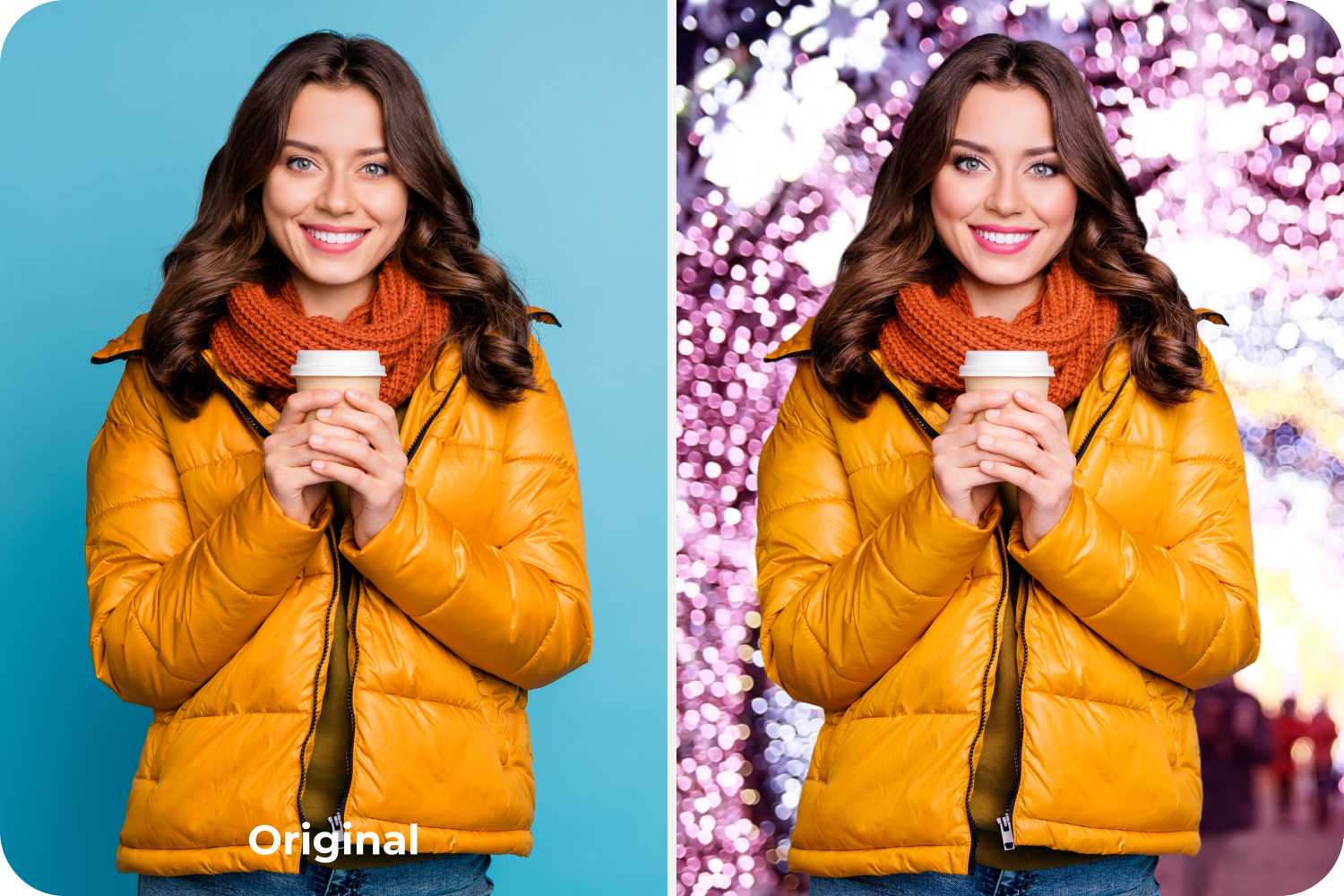
Effortless Cozy Photography
Winter imagery isn’t always about snow. It’s also about holiday vibes, softness, and mood. FaceApp supports cozy winter photography by letting users fine-tune contrast, tone, and brightness until the image feels seasonally aligned.
Because the tools are easy to use, the process stays quick and flexible — ideal for everyday editing and photo editing for social media where mood really matters.
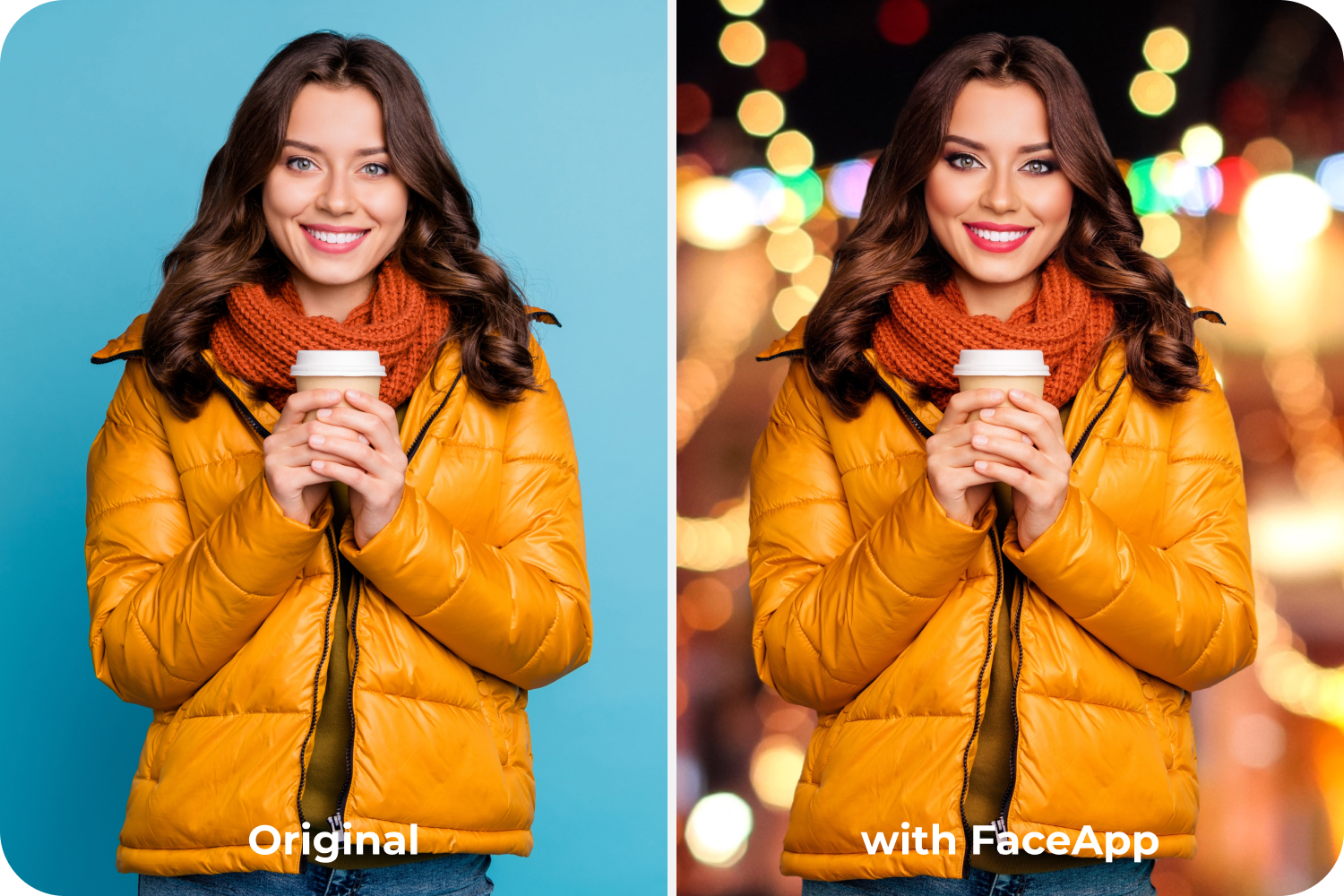
Moment and Mood
Seasonal photos help build visual continuity — in personal archives and online feeds alike. With FaceApp, users can adapt images to reflect winter’s character while preserving authenticity. Small, intentional edits let images feel the way the season is remembered and shared
FAQs
Q: How can I make my photos look more winter-like?
A: Use cooler tones, gentle contrast, and seasonal filters in FaceApp to create a subtle winter mood without overpowering the image.
Q: Can FaceApp add a winter atmosphere to photos taken indoors??
A: Yes. FaceApp’s background tools, color filters, and tone adjustments help create winter vibes even in indoor or neutral photos.
Q: Are FaceApp’s seasonal edits natural-looking?
A: Yes. The tools are designed for restraint, helping photos feel seasonal while staying realistic and authentic.