FaceApp as a Creative Tool
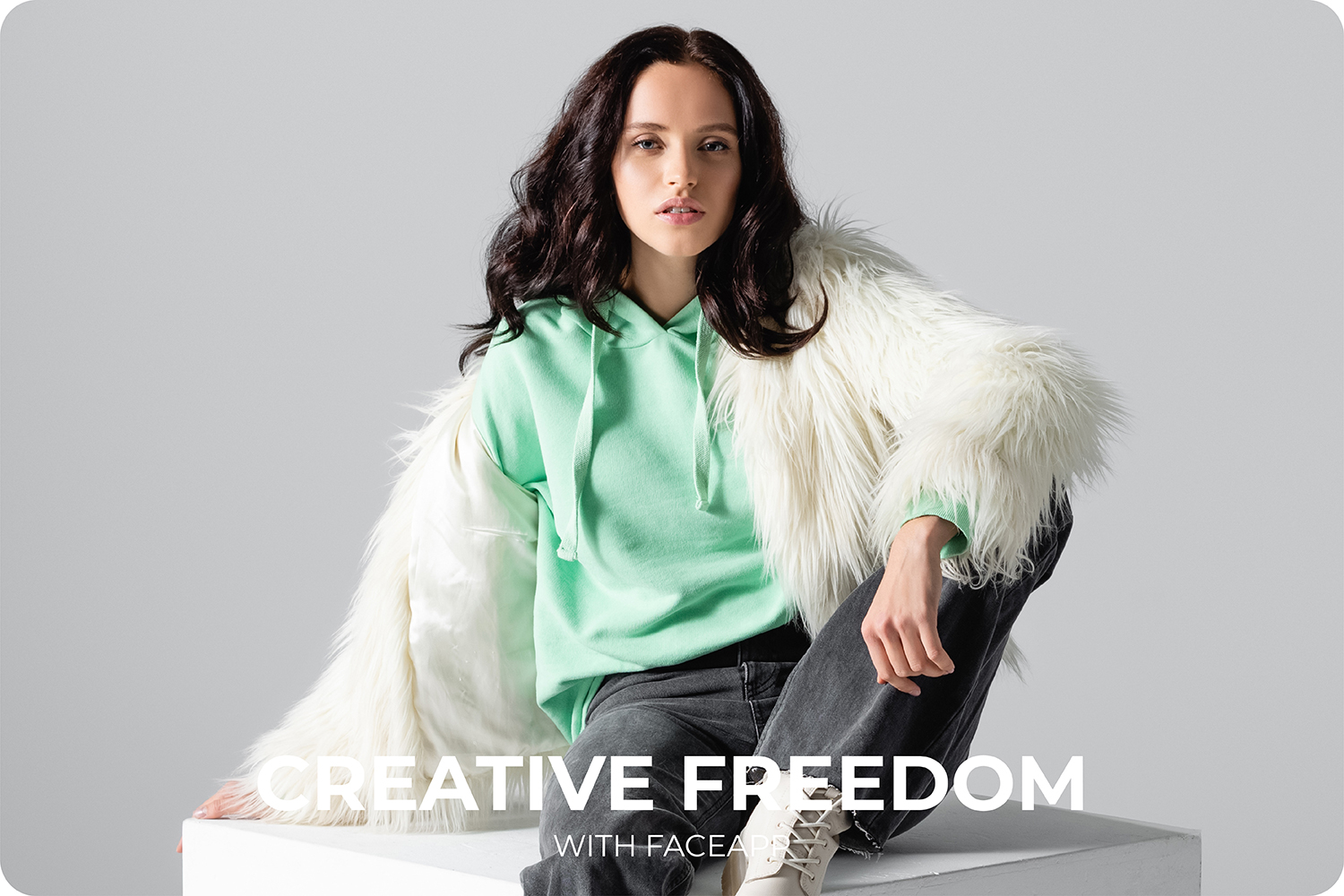
Beyond Beauty: FaceApp as a Creative Tool
Explore FaceApp as a creative tool for self-expression. Combine filters, layers, and edits to experiment beyond traditional beauty editing.
Table of Contents
- FaceApp as a creative playground
- From portraits to creative concepts
- Using layers and erasers for visual experimentation
- Discover and build new aesthetic worlds
- FAQs
FaceApp as a Creative Playground
Photo editing apps are often framed as utilities for correction — smoothing skin, adjusting light, refining portraits. Useful, but limited. For many casual creators, artists, and designers, this framing misses the point.
Editing is not always about improvement. It is about play, exploration, and self-expression.
Casual creators don’t always work with briefs, clients, or rigid outcomes. Their process is intuitive, emotional, and experimental. They want tools that respond quickly and don’t interrupt the flow of ideas.
FaceApp supports creative photo editing by removing technical friction. Filters, adjustments, and layers can be combined, erased, merged, and reshaped in minutes — allowing ideas to evolve visually rather than stay theoretical.
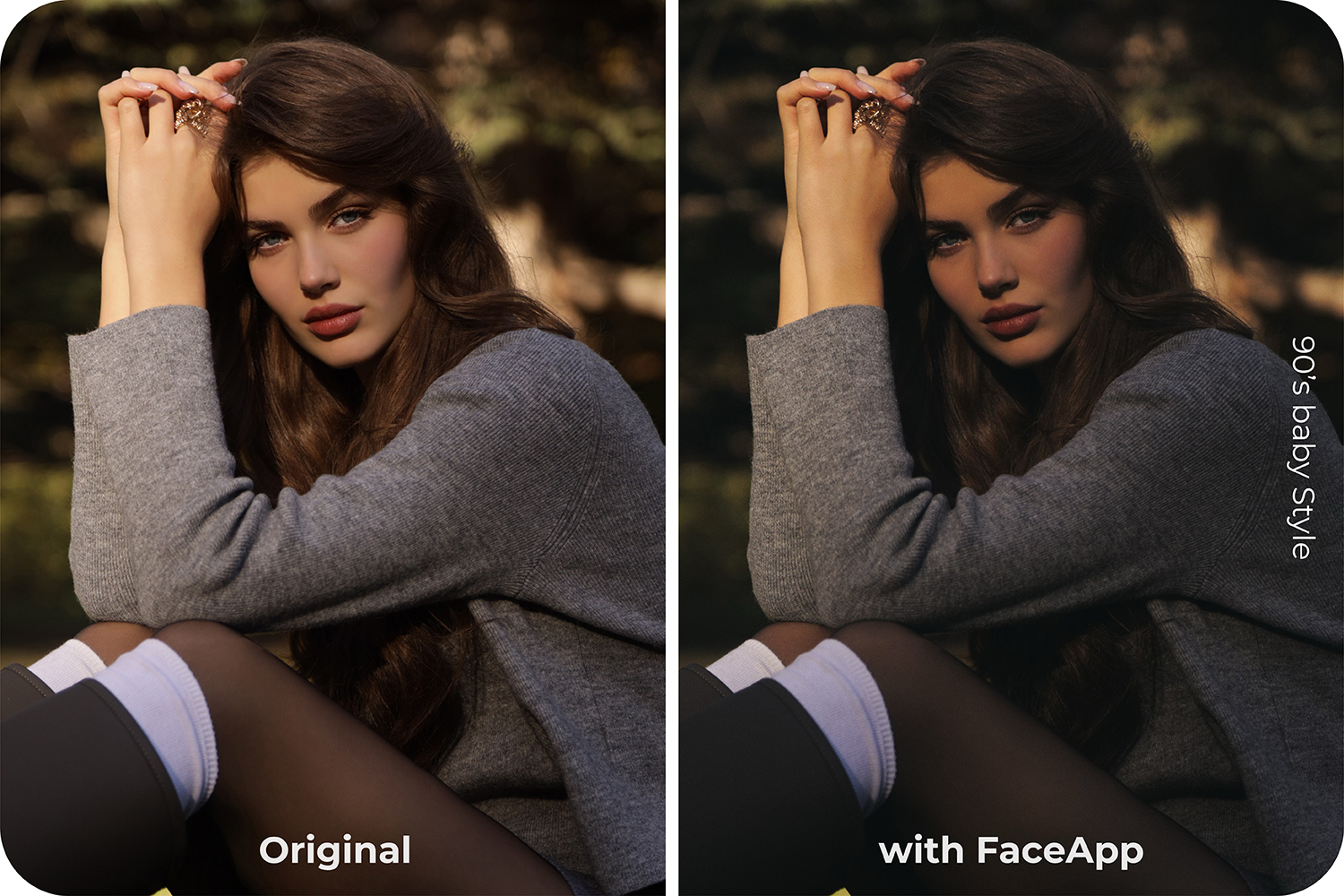
Filter:
- Yorkshire +25
Adjustments:
- Brightness -30
- Contrast +30
- Shadows -25
- Saturation -15
- Sharpen +25
- Grain +35
From Portraits to Creative Concepts
While portrait processing remains a core strength, FaceApp’s tools extend far beyond conventional retouching. Creative enthusiasts can use FaceApp as a sketchpad for visual concepts.
Creators can:
- Build characters by combining portrait edits with hairstyles, makeup, and reshaping
- Explore moods and identities through lighting, curves, and tonal balance
- Create visual references for illustration, fashion, or character design
This approach turns portrait enhancement into a starting point rather than a final result.
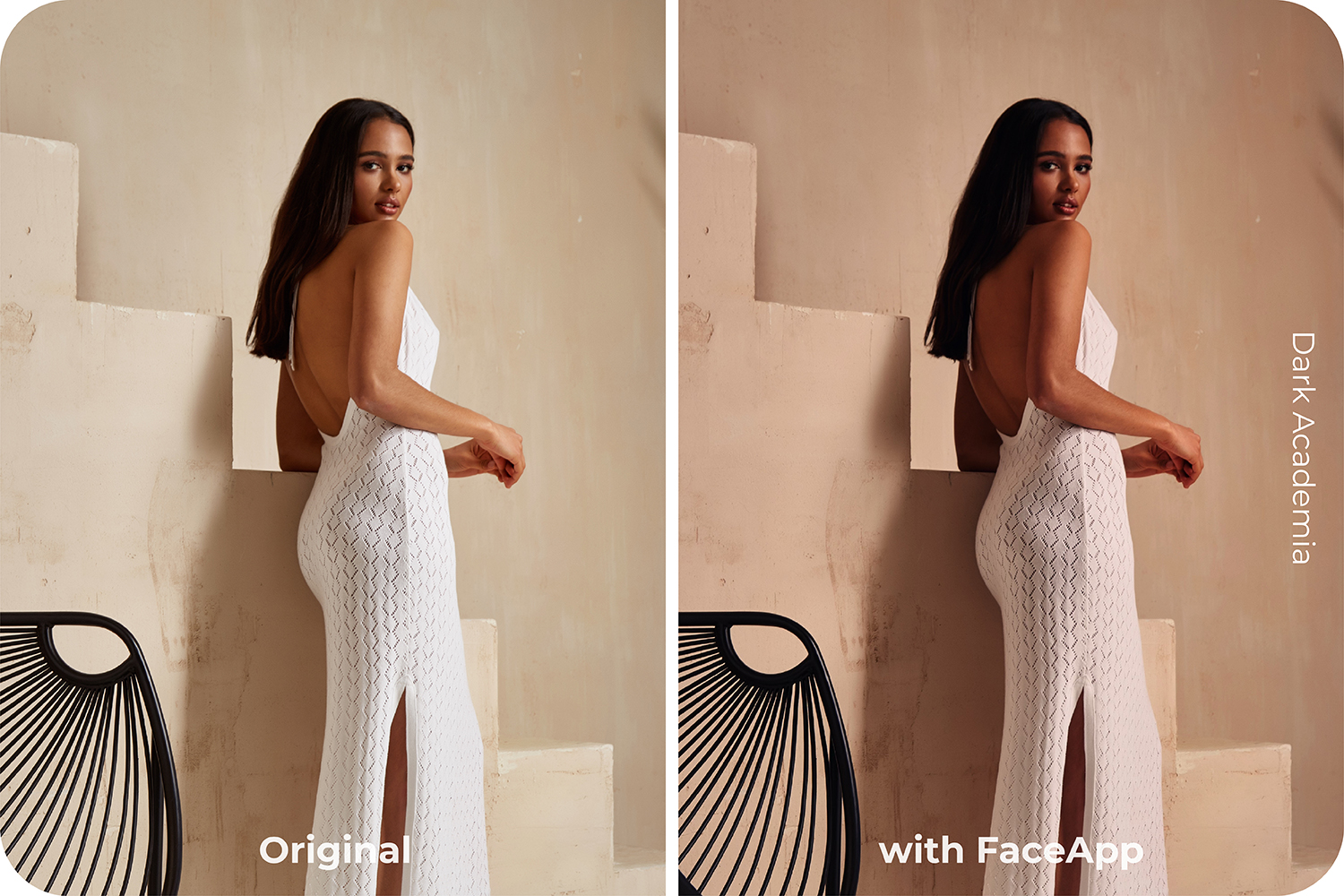
Filter:
- Elegant 30
Adjustments:
- Brightness -30
- Highlights -50
- Shadows -30
- Saturation -15
- Temperature +20
Using Layers and Erasers for Visual Experimentation
One of the most powerful creative techniques in FaceApp comes from combining transparent backgrounds, merged edits, and selective erasing.
Creators can:
- Remove a background and place a subject into a new visual context
- Use the eraser so elements appear both in front of and behind the subject
- Build depth by letting environments interact with portraits
This kind of photo manipulation enables surreal or cinematic compositions without complex software.
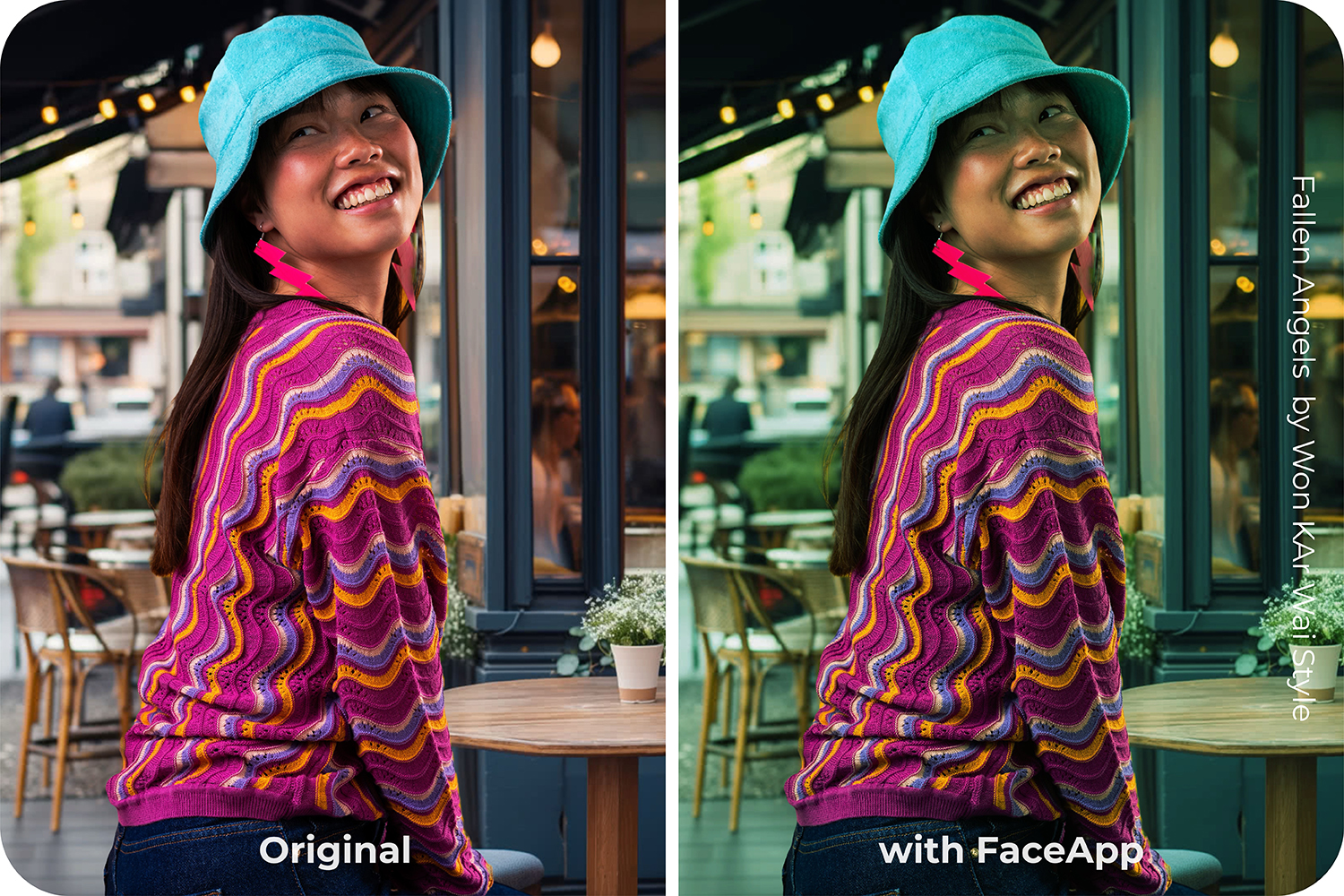
Filter:
- Green Screen 30
Adjustments:
- Brightness -30
- Highlights -25
- Temperature -10
Discover and Build New Aesthetic Worlds
FaceApp’s adjustment tools — especially curves — make it possible to craft entire visual languages. Casual creators experiment with styles such as:
- Melancholic, cinematic moods inspired by classic film aesthetics
- Dark academia tones
- Playful kidcore palettes
- Faded vintage atmospheres
These are not presets applied blindly. They are constructed atmospheres shaped through contrast, color shifts, and selective softness.
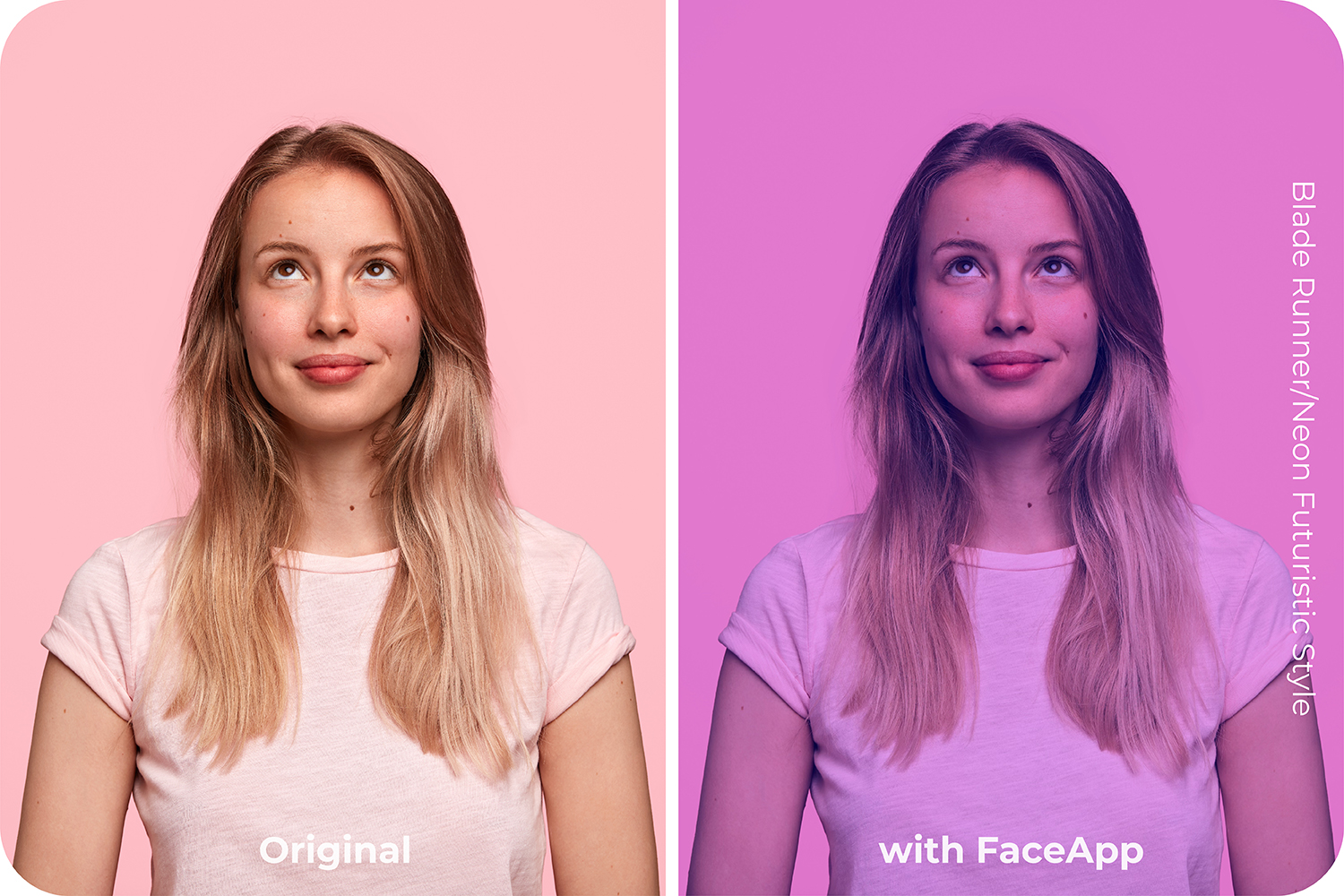
Filter:
- Neon 25
Adjustments:
- Brightness -30
- Temperature -25
- Tint +20
Even in experimental work, portrait editing remains the foundation. Clean facial processing, realistic skin texture, and controlled lighting give creators a stable base to build upon. From there, distortion, color, and abstraction feel intentional rather than accidental.
FaceApp balances technical precision with creative openness — supporting experimentation without sacrificing visual quality.
FAQs
Q: Can FaceApp be used as a creative photo editing tool?
A: Yes. Beyond portrait retouching, FaceApp supports creative experimentation with layers, erasers, lighting, and visual effects.
Q: Is FaceApp suitable for artists and casual creators?
A: Absolutely. FaceApp removes technical barriers, allowing artists and creators to explore ideas quickly and intuitively.
Q: What kind of creative projects can FaceApp support?
A: Users can build characters, explore moods, create visual references, and experiment with surreal or cinematic compositions.
Q: Does creative editing still preserve photo quality?
A: Yes. FaceApp maintains realistic skin texture and lighting, providing a strong base even for experimental edits.